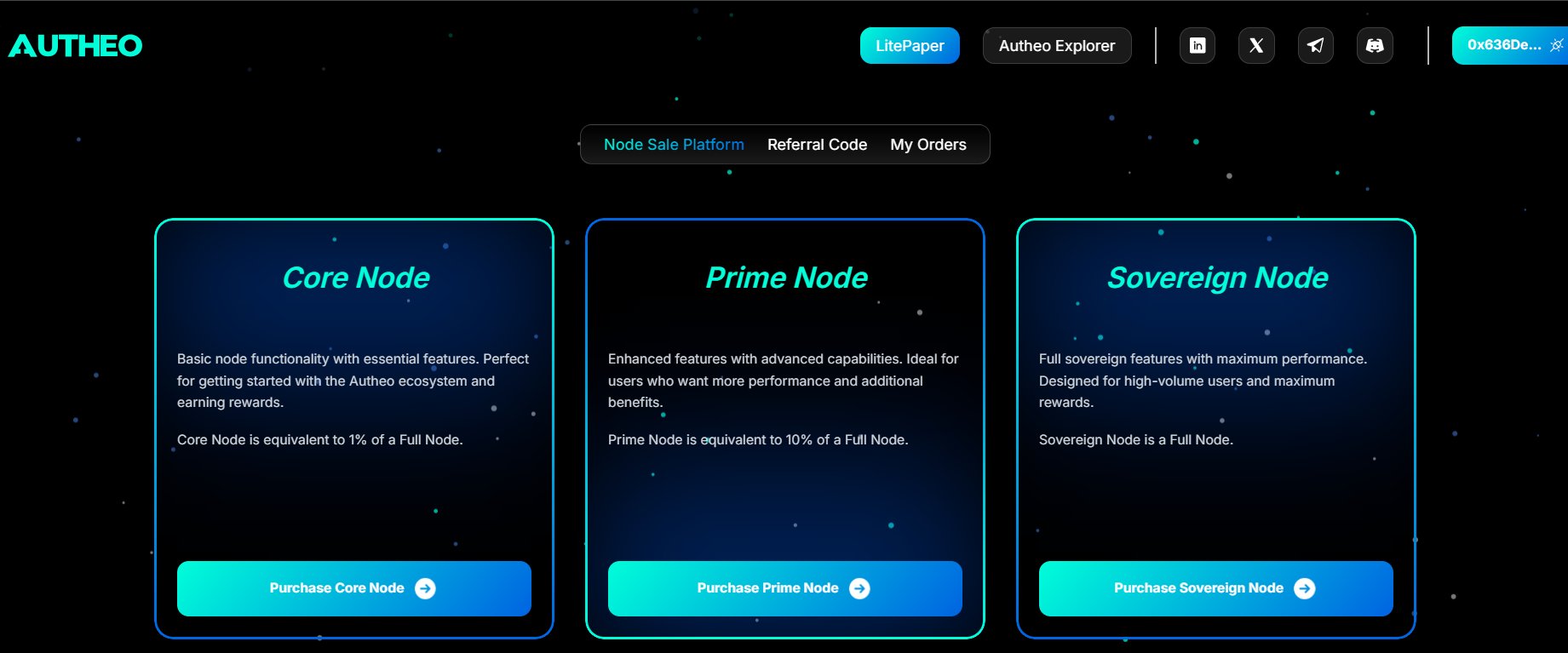
The Autheo Node Sale Platform is a decentralized application where you purchase node licenses represented as ERC-721 NFTs on the Arbitrum blockchain. Each license grants its holder the right to participate in the Autheo network — either by operating a validator node or delegating stake to earn rewards. Platform URL: https://tsp.autheo.comDocumentation Index
Fetch the complete documentation index at: https://docs.autheo.com/llms.txt
Use this file to discover all available pages before exploring further.
What you can do
| Capability | Description |
|---|---|
| Purchase node licenses | Buy Core, Prime, or Sovereign node licenses as blockchain NFTs |
| Earn referral commissions | Generate a referral code to earn a commission on every purchase made with it |
| Track orders | Review all your personal purchases and all orders placed using your referral code |
System requirements
Supported browsers
| Browser | Minimum version |
|---|---|
| Google Chrome | 90+ (recommended) |
| Mozilla Firefox | 88+ |
| Microsoft Edge | 90+ |
| Brave | Latest |
Required wallet
| Wallet | Notes |
|---|---|
| MetaMask | Recommended. Browser extension or mobile app. |
| Trust Wallet | Supported via the in-app browser. |
Your wallet must be connected to the Arbitrum Sepolia network (Chain ID:
421614). The platform will prompt you to switch networks automatically if needed. Don’t have MetaMask installed? See the MetaMask installation guide.Connecting your wallet
Navigate to the platform
Open your browser and go to the Node Sale Platform URL. You will see the login page.
Accept the terms and conditions
Before connecting your wallet, check all three agreement boxes:
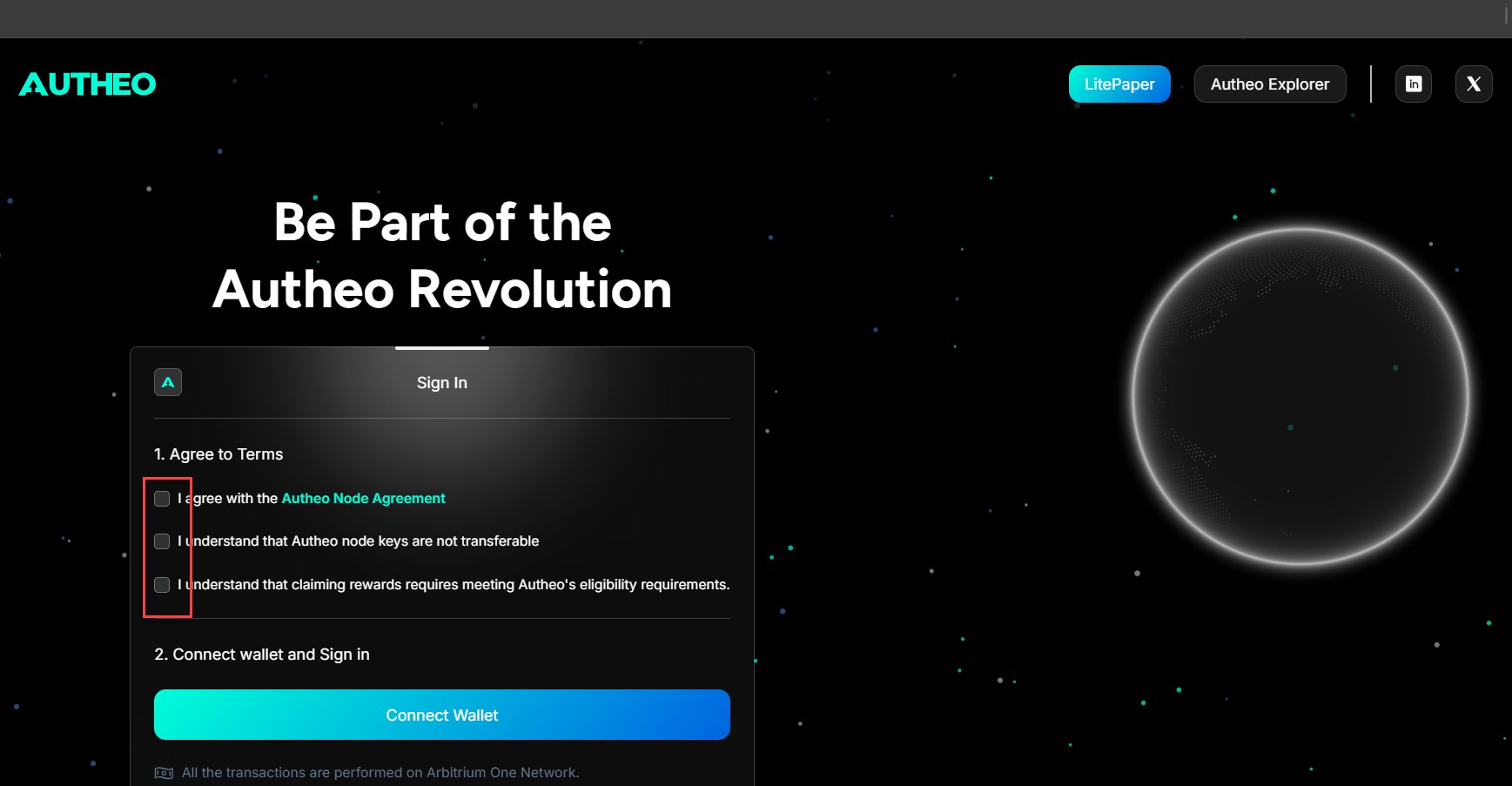
- Terms of Service — Confirms you have read and agree to Autheo’s terms
- Privacy Policy — Confirms you consent to data handling practices
- Risk Acknowledgement — Confirms you understand the risks associated with blockchain and cryptocurrency
Connect your wallet
- Click Connect Wallet
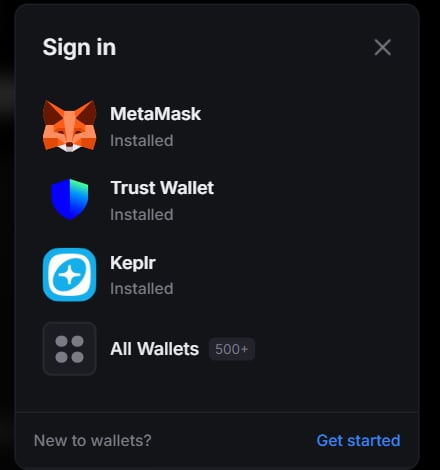
- A wallet selector modal appears — choose MetaMask or Trust Wallet
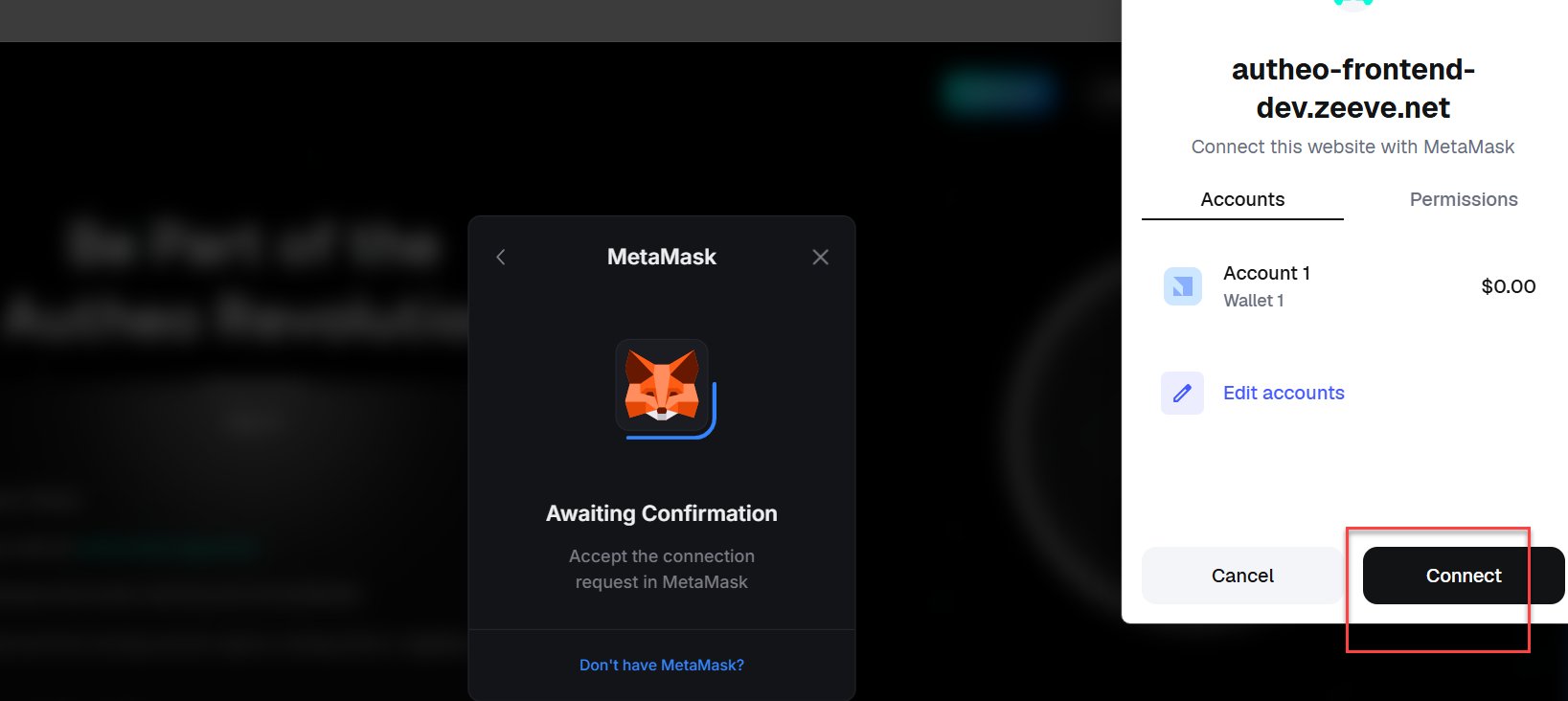
- Your wallet extension opens and prompts you to connect your account. Approve the connection.
- You will be asked to sign a message in your wallet. This is a Sign-In With Ethereum (SIWE) authentication step — it does not cost gas and simply proves ownership of your wallet address.
- Review the message content and click Sign in your wallet.
About SIWE authentication — Autheo uses Sign-In With Ethereum (EIP-4361) for login. No password is required. Your wallet signature proves your identity. The sign-in message is human-readable and shown in your wallet before signing. The signature only authorizes a session — it does not transfer funds or approve on-chain actions.
Session management
| Behaviour | Details |
|---|---|
| Session expiry | Your session expires after 15 minutes of inactivity. Re-sign with your wallet to continue. |
| Access token | Short-lived, stored in a secure cookie. Refreshed automatically while the session is active. |
| Refresh token | Used to silently obtain a new access token. If expired, you are automatically logged out. |
| Wallet disconnect | Immediately clears all session tokens and redirects to the login page. |