

Bridge interface
The Bridge has a clean, single-page layout with four main areas: Header — Application logo and the Connect Wallet button showing connection status. Transfer Token Form — The central card and primary interface for initiating transfers: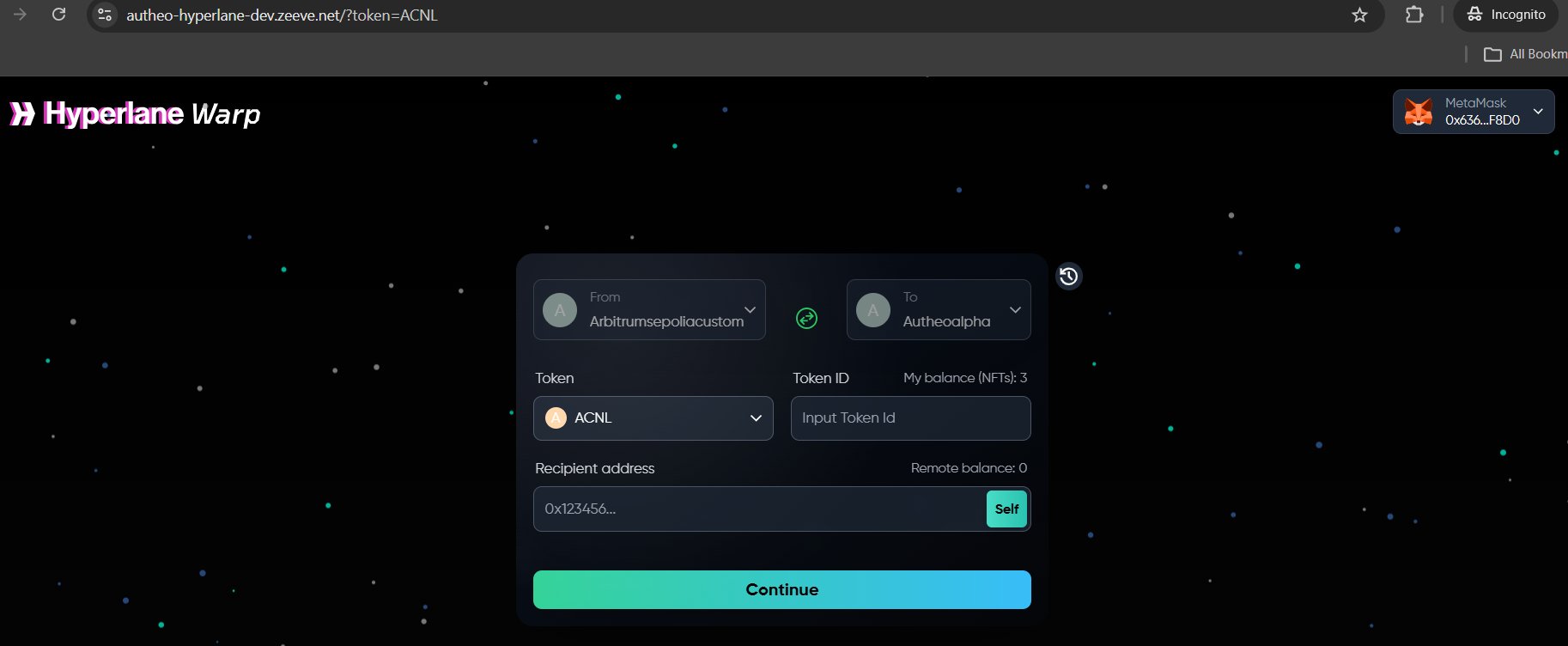
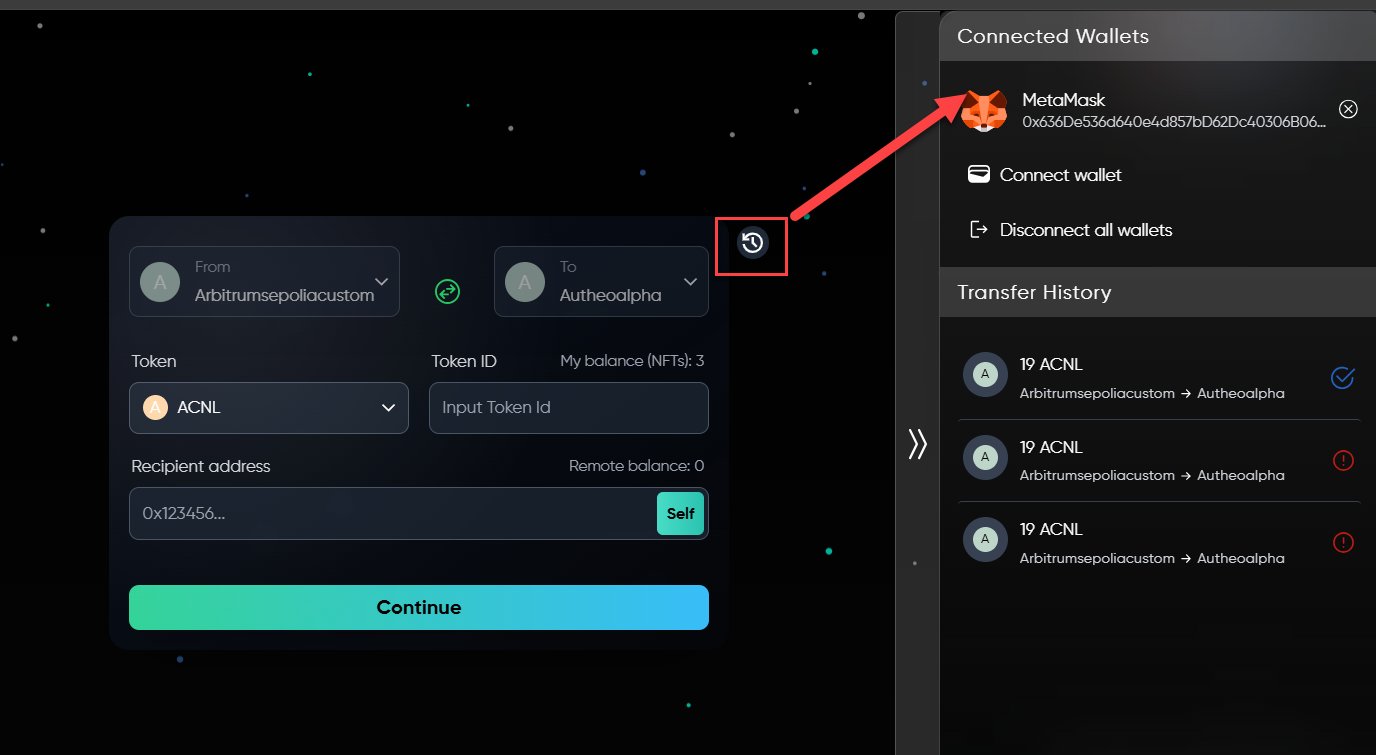

Transferring tokens
1
Select the source chain
Click the From dropdown. A searchable chain selection modal appears. Select your source chain (e.g., Arbitrum Sepolia).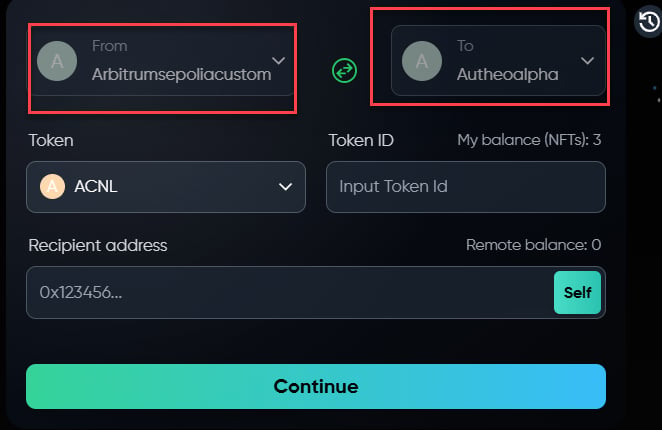
2
Select the destination chain
Click the To dropdown and select the target chain (e.g., Autheo Alpha). The same chain selection modal is used for both source and destination.
3
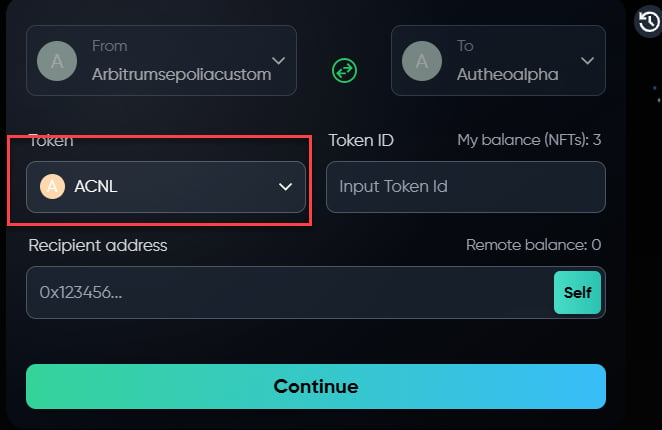
Choose a token
- Click the Token selector
- A modal opens showing available tokens for the selected route
- Search by token name, symbol, or contract address
- Click the desired token
4
Enter the token ID or amount
Type the token ID (for NFTs) or amount in the input field. Your available balance is shown as My balance.
5
Enter the recipient address
Enter the destination wallet address in the Recipient address field. The application displays the recipient’s current balance on the destination chain.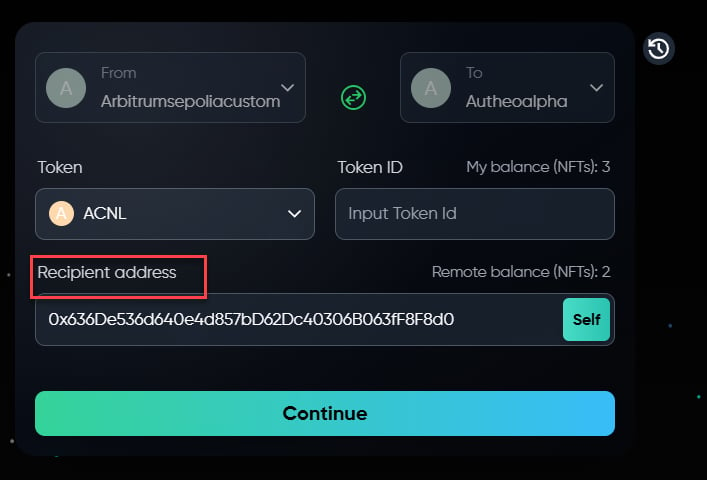
6
Review and confirm
- Click Continue to enter review mode
- Verify all details: source and destination chains, token type and amount, recipient address, and estimated interchain gas fees
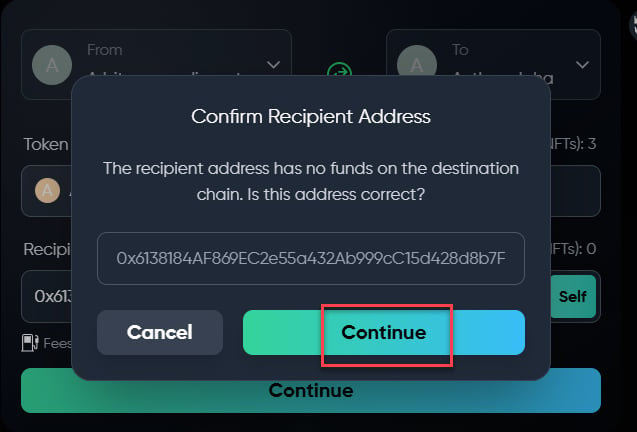
- Click Cancel to go back and correct anything, or Send to proceed
7
Sign the transactions
Depending on the token type, you may need to sign one or two transactions: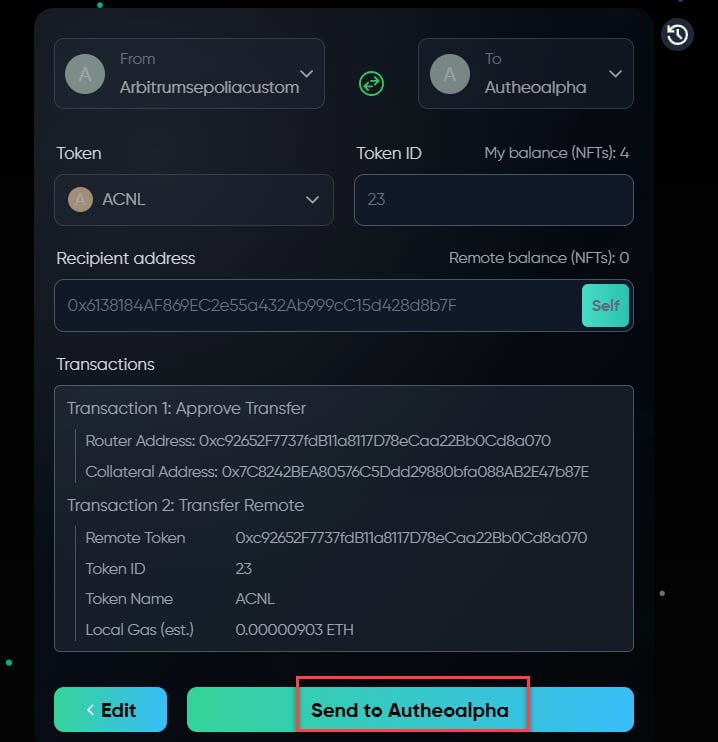
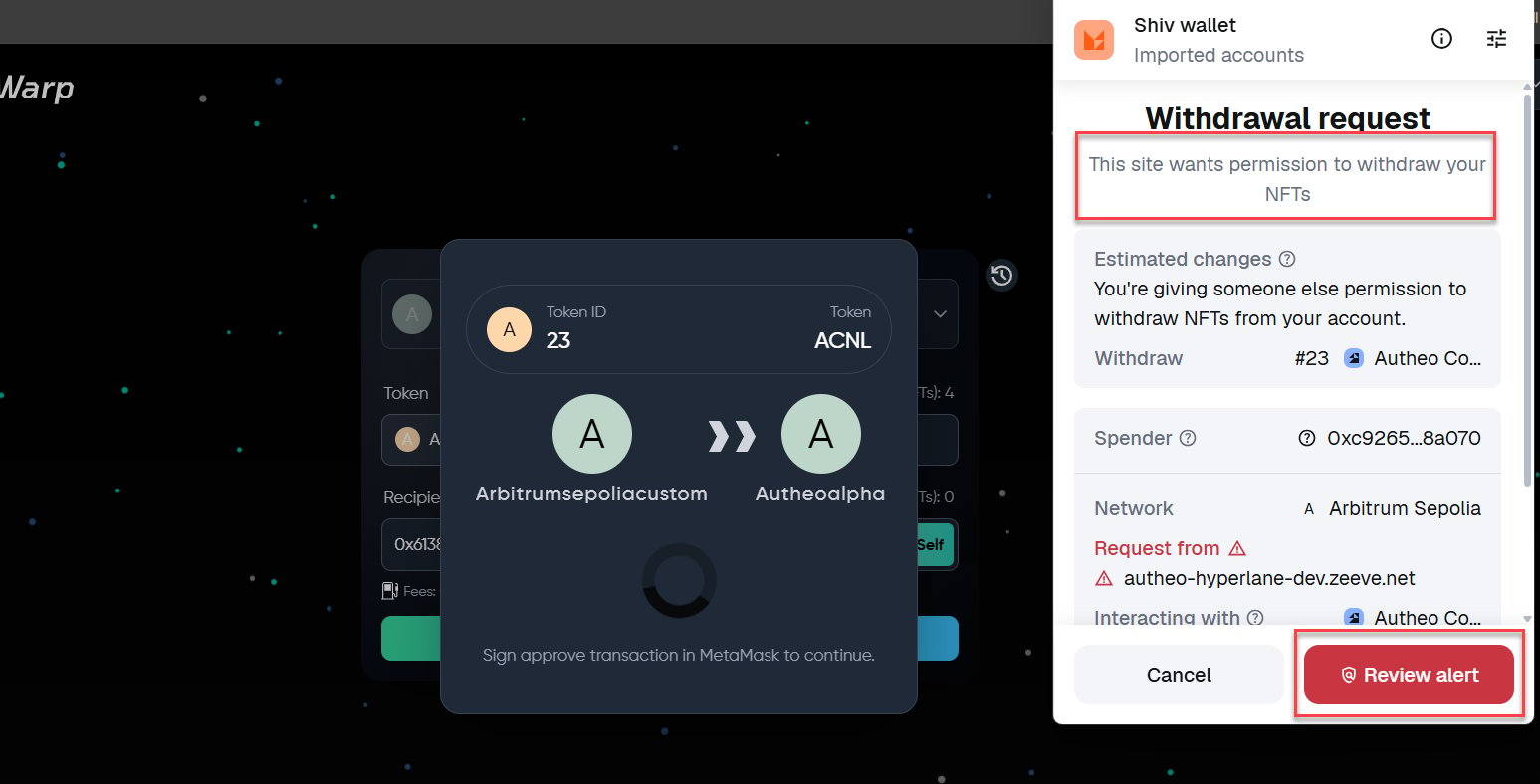
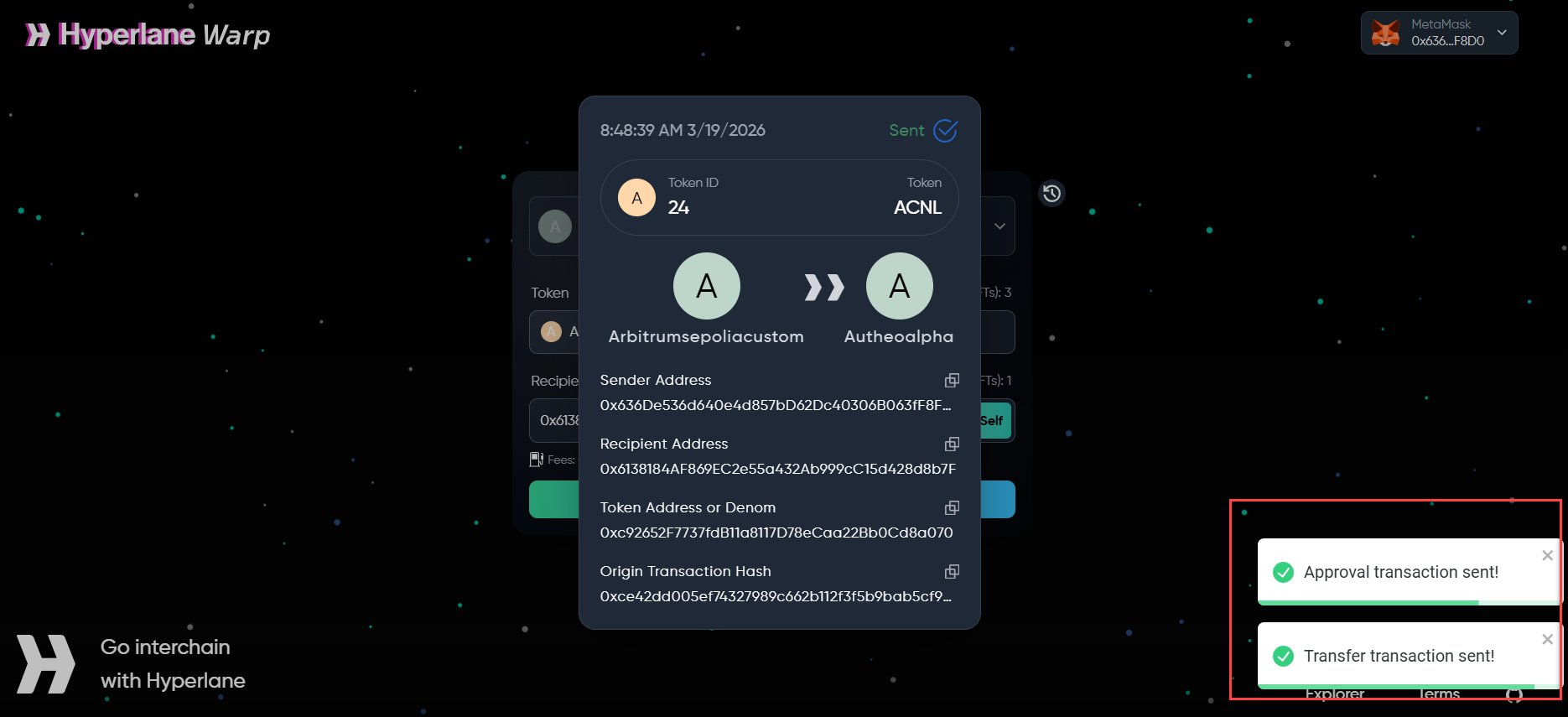
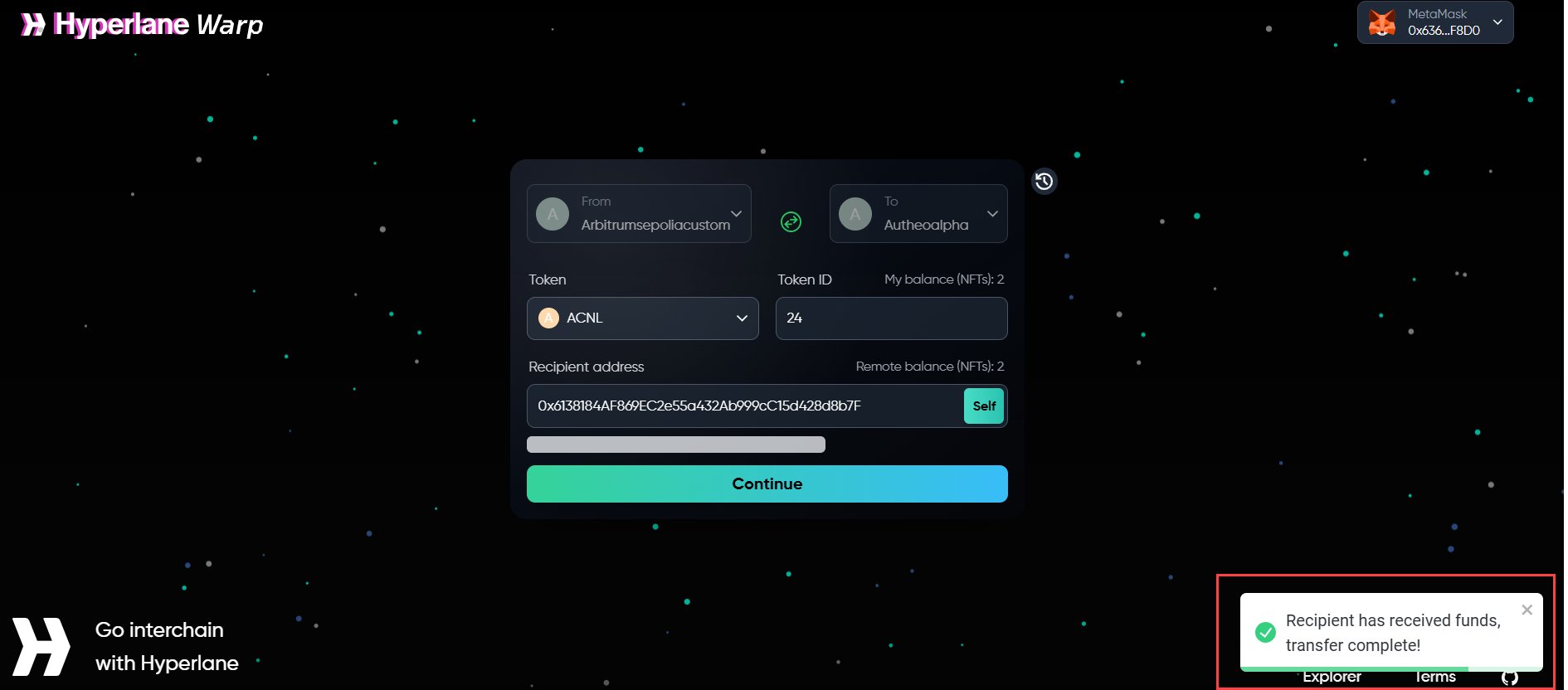
The UI shows a step-by-step status progression:
- Preparing
- Creating transactions
- Signing approval
- Confirming approval
- Signing transfer
- Confirming transfer
8
Track delivery
After the source chain confirms: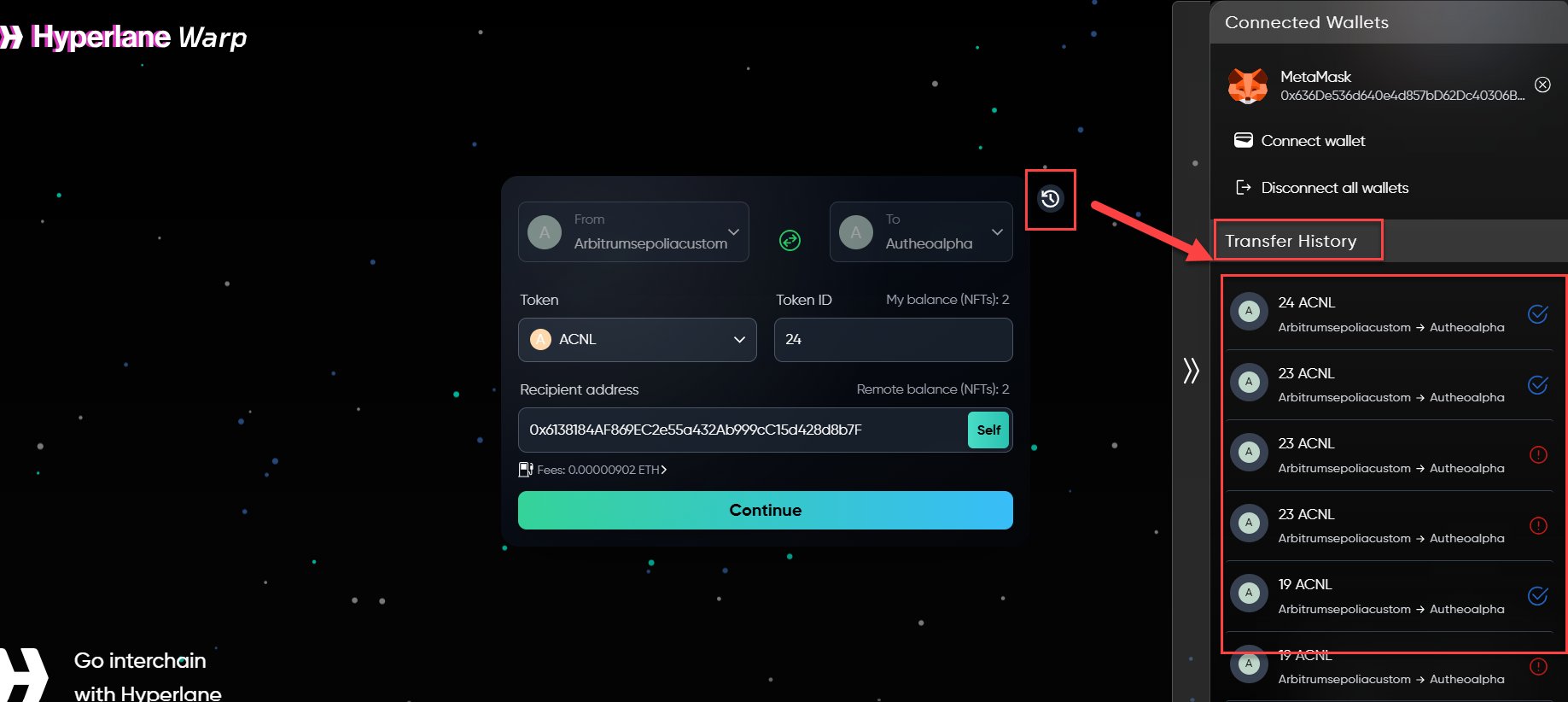
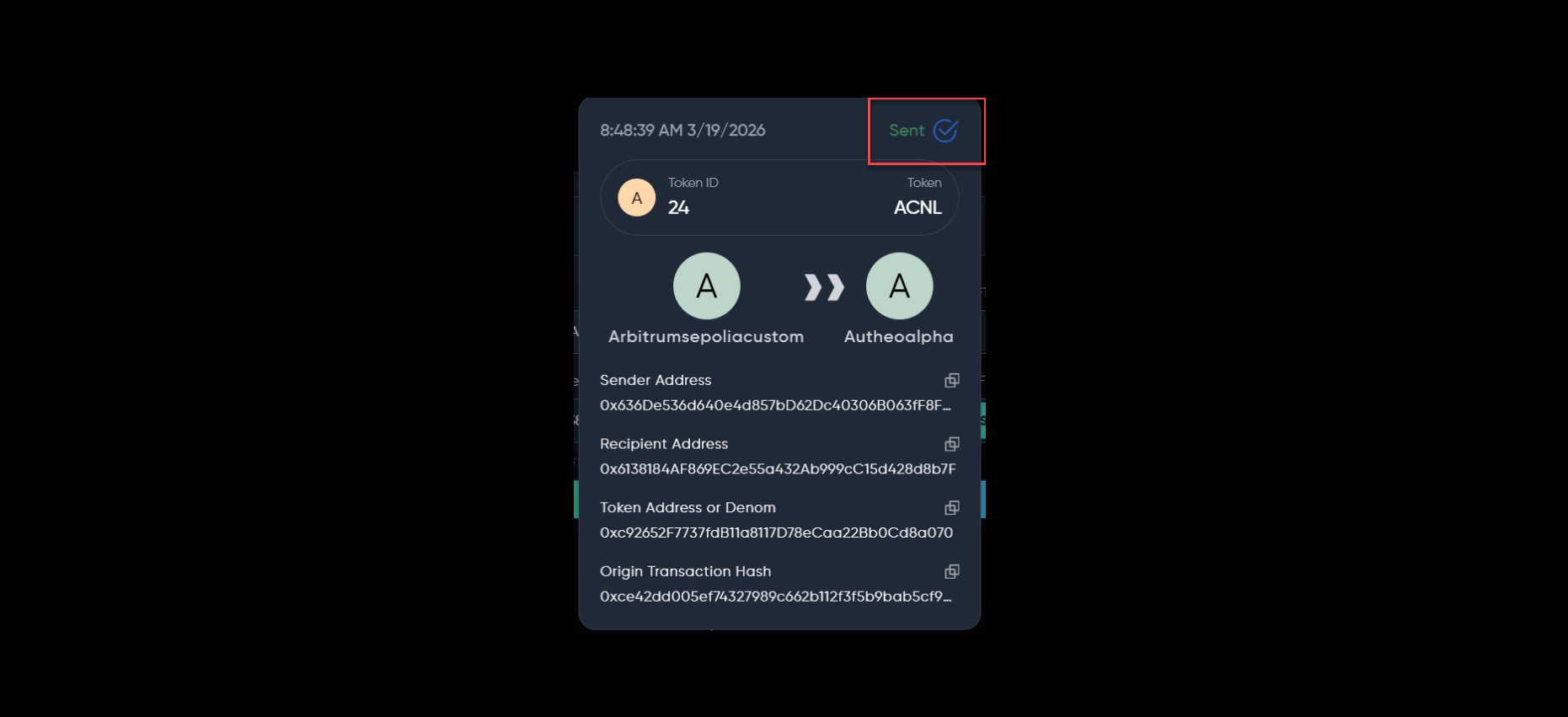
- A success notification appears
- The transfer is added to your Transfer History
- The Hyperlane protocol relays the message to the destination chain
- Status updates once tokens arrive on the destination chain
Token approvals
When transferring ERC-20 tokens, you must first approve the warp route smart contract to spend tokens on your behalf. This is a standard blockchain security mechanism. How approvals work:- First transfer of a token — The application prompts you to sign an approval transaction before the transfer. A small amount of gas on the source chain is required.
- Subsequent transfers — If sufficient allowance remains, you will not be asked to approve again.
- Revoke and re-approve — In some cases, the application may request that you revoke an existing approval and grant a new one.